Overview
The goal of this project is to take digitized Prokudin-Gorskii glass plate images and automatically produce color images. The input is a single grayscale plate stacked vertically in the order B, G, R (Blue, Green, Red). The approach is to split the image into three equal parts, then align the G and R channels to the B channel using image registration techniques.
Problem Statement
Given a vertically stacked grayscale image containing three color channels (B, G, R), recover the full color image by finding the optimal alignment between channels. This is a classic image registration problem from early color photography.
Single-Scale Alignment
As a baseline, I implemented single-scale alignment using Normalized Cross-Correlation (NCC). This method works surprisingly well after image preprocessing. The approach searches within the [-15, 15] pixel range to find the best alignment that maximizes the NCC value. Blue is used as the reference image while green and red channels are shifted to align with blue.
Algorithm
1. Preprocess the image (see Bells & Whistles section)
2. For each channel (G and R):
• Search within [-15, 15] pixel displacement range
• Compute NCC score for each displacement
• Select displacement that maximizes NCC
3. Stack the aligned channels to produce the final color image
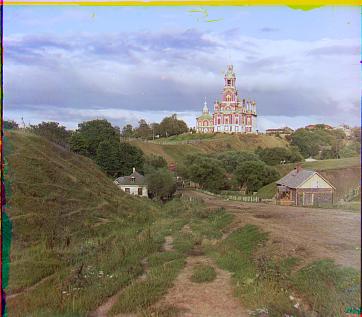
Red offset: (+3, +12)
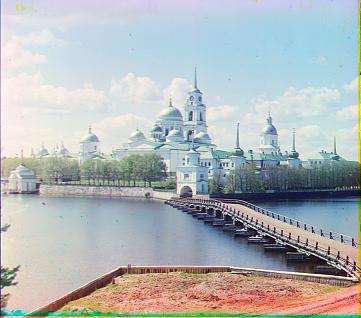
Red offset: (+2, +3)
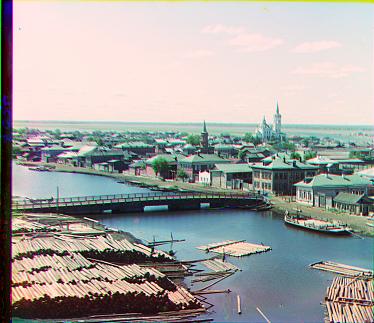
Red offset: (+3, +6)
Multi-Scale Pyramid Alignment
To handle larger displacements efficiently, I implemented a pyramid search strategy: start at low resolution for coarse alignment, then progressively refine at higher resolutions. The approach scales down the image by factor of 2 until it reaches below 200×200 pixels. At the coarsest level, search within [-15, 15] pixels for maximum NCC. Then progressively upsample and refine alignment within [-1, 1] pixel range, which represents the only possible sub-pixel movements after scaling up.
Pyramid Strategy Benefits
This coarse-to-fine approach dramatically reduces computational cost and makes the algorithm robust to larger displacements (up to 100+ pixels). The hierarchical search avoids local minima by establishing coarse alignment first.
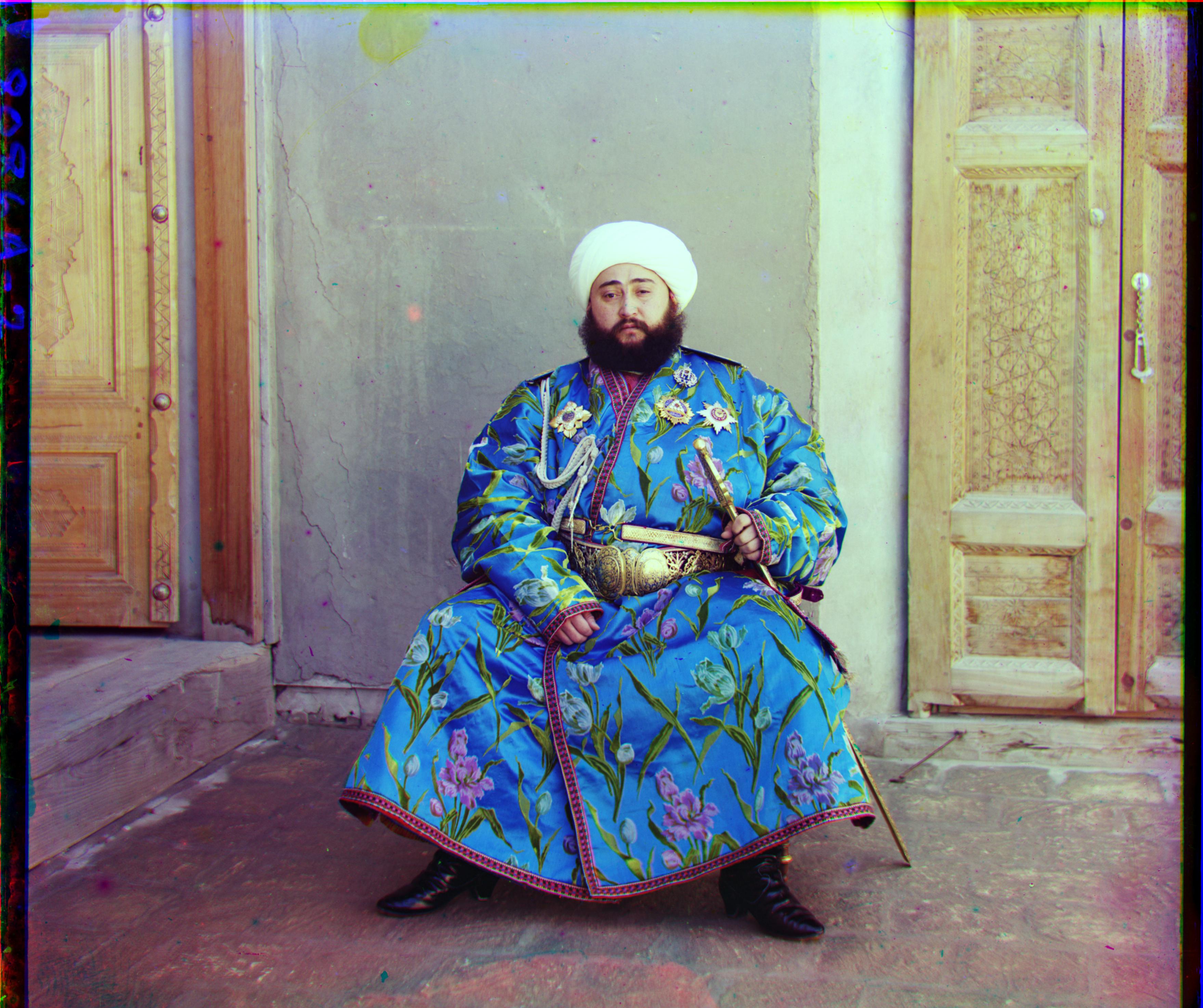
Red offset: (+40, +107)
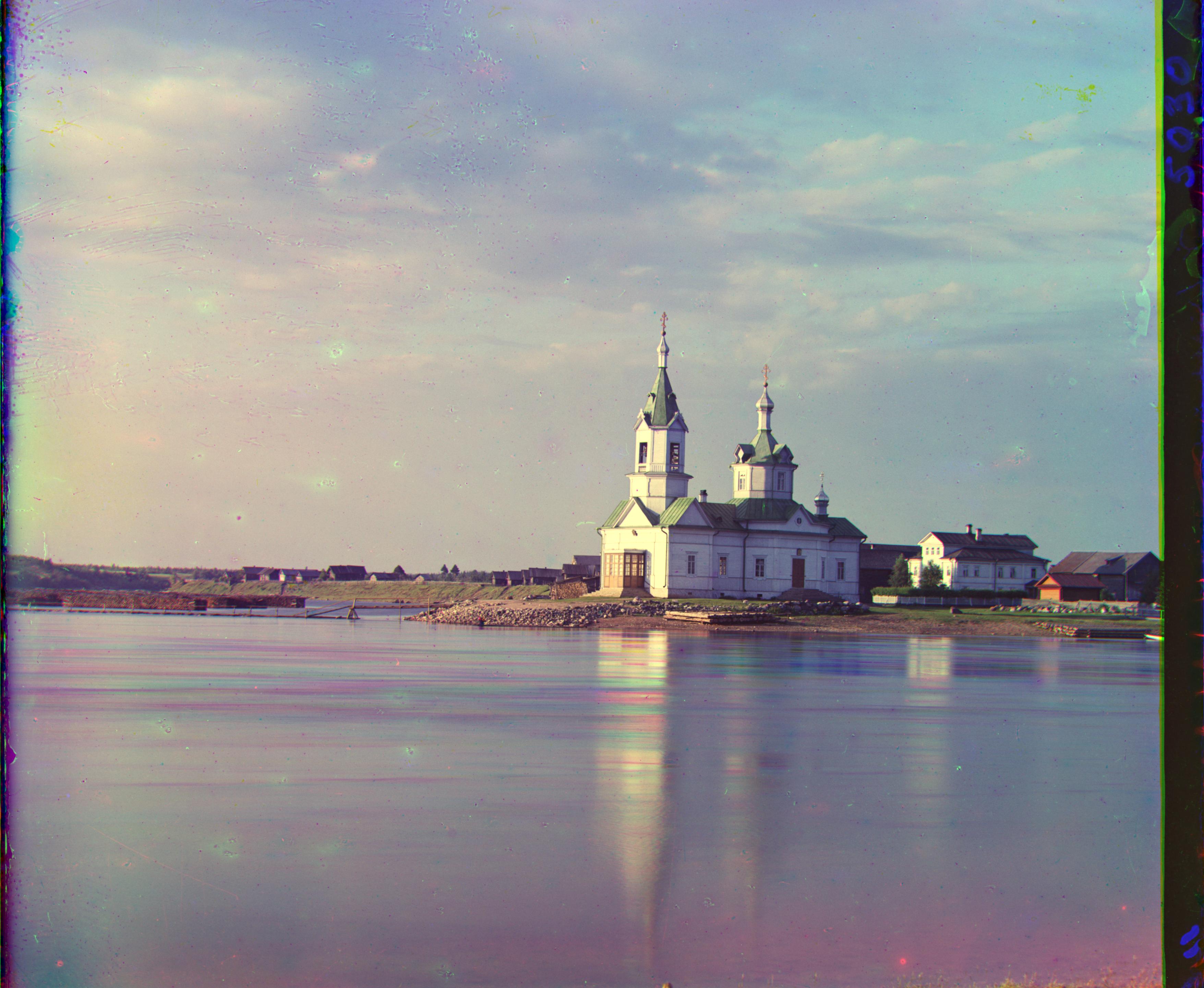
Red offset: (-4, +58)
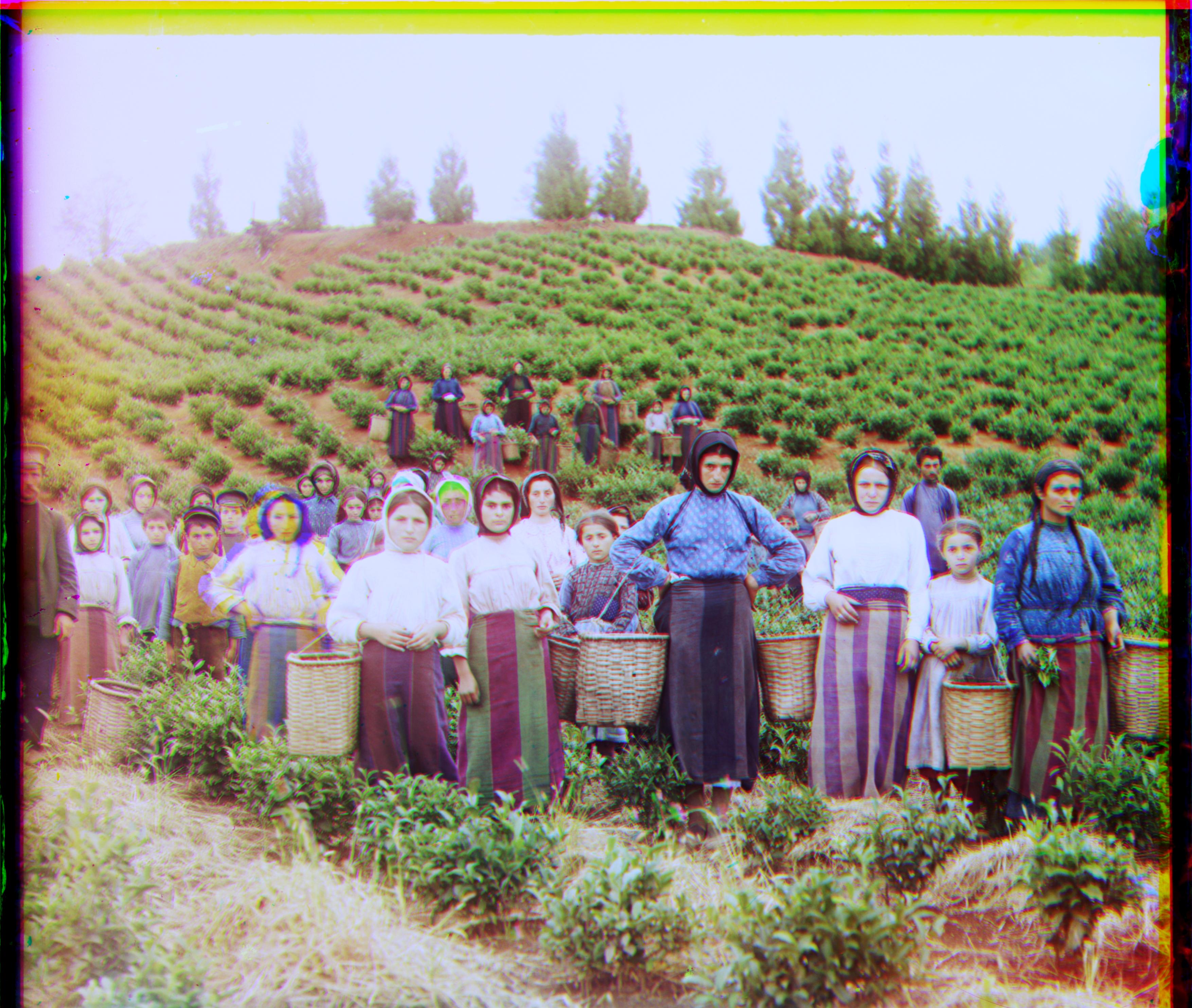
Red offset: (+11, +118)
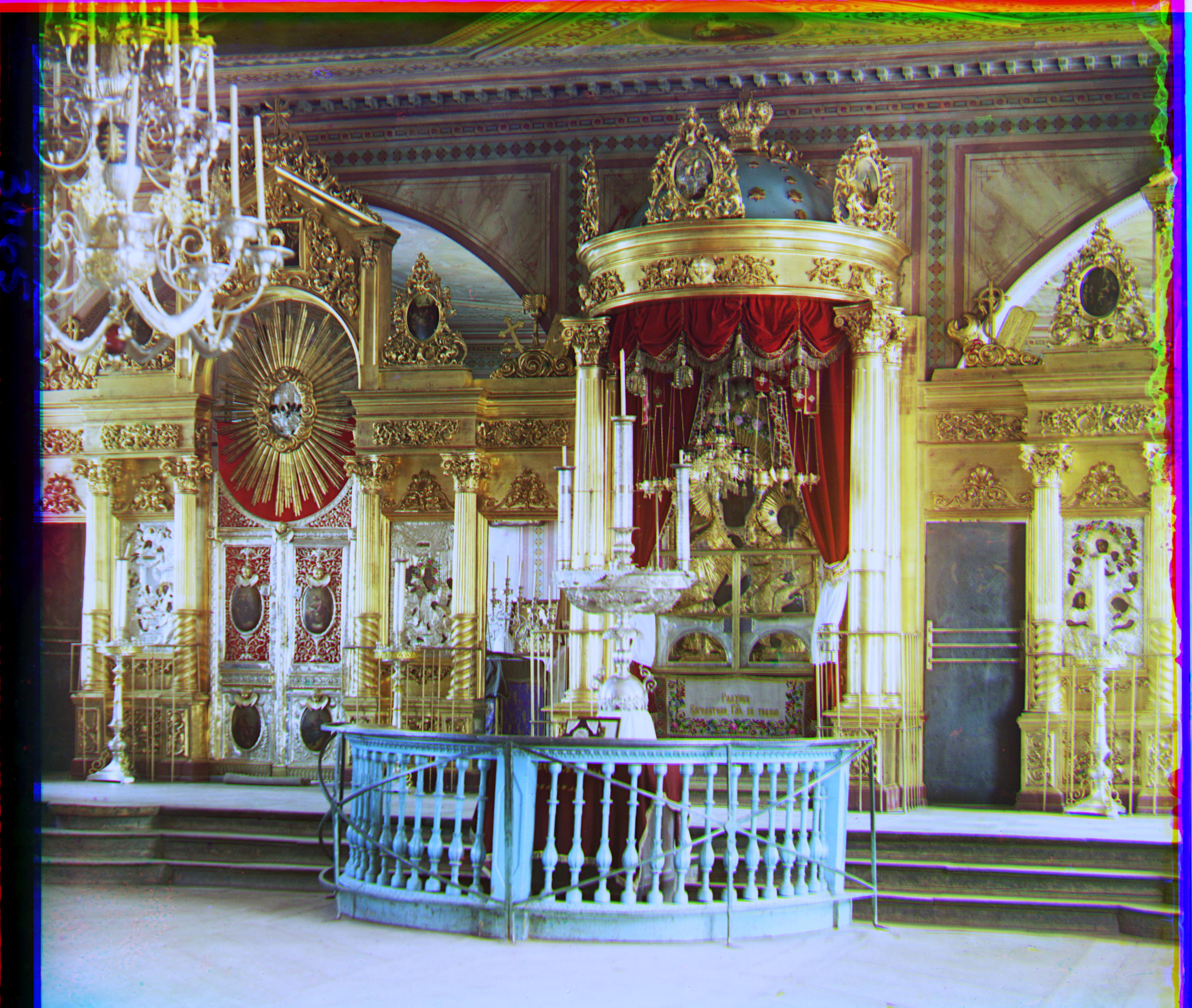
Red offset: (+22, +90)
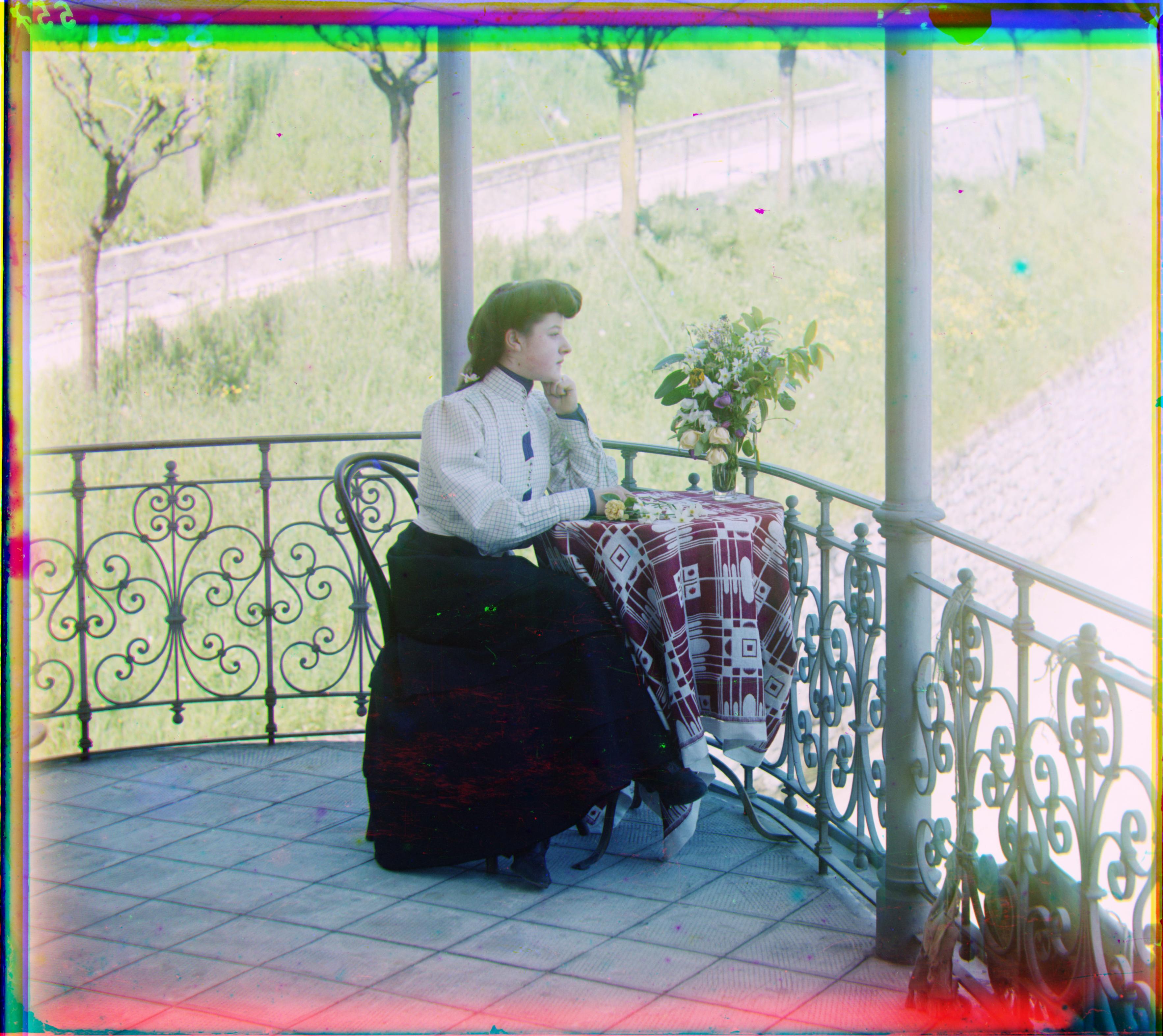
Red offset: (+36, +77)
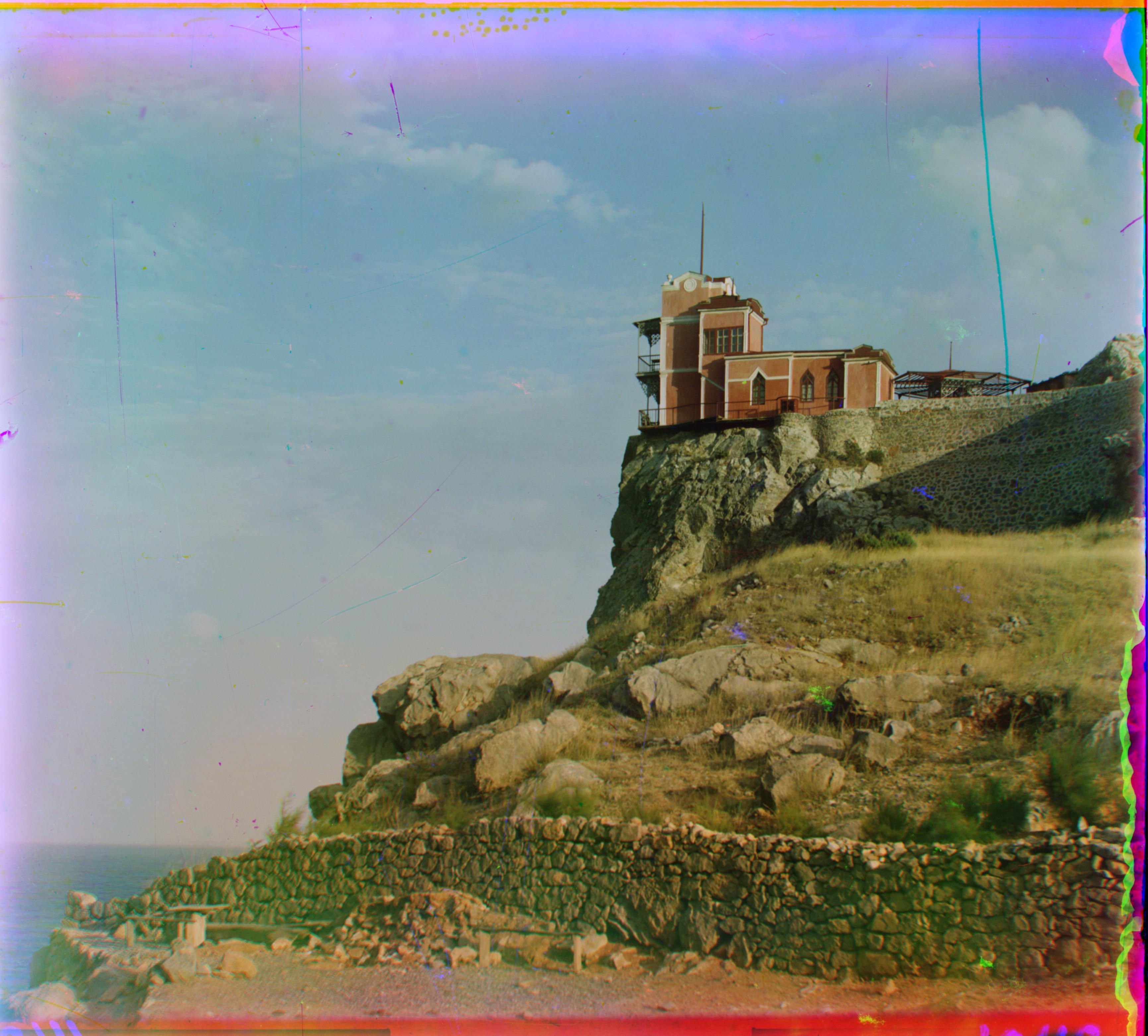
Red offset: (-9, +76)
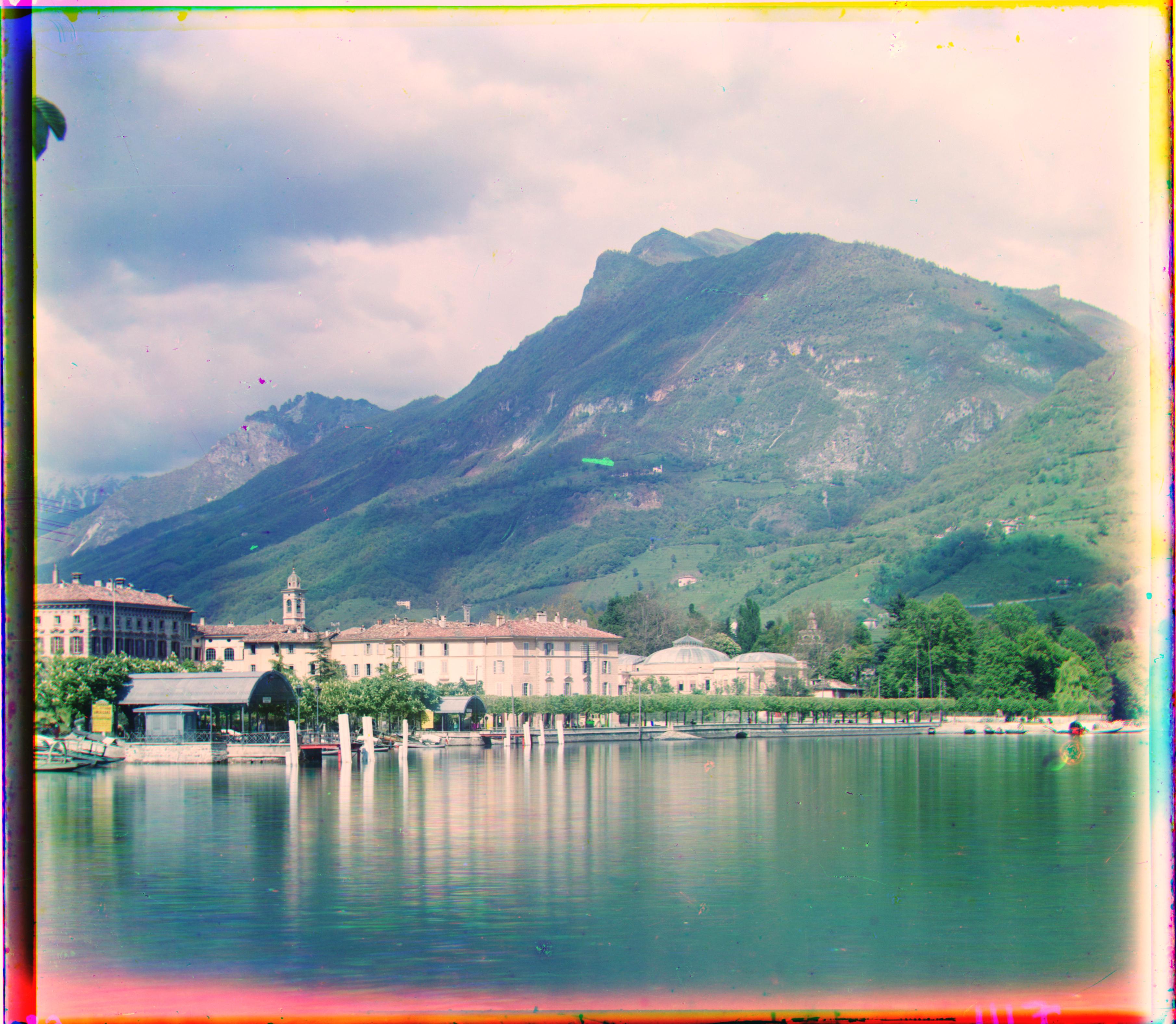
Red offset: (-29, +93)
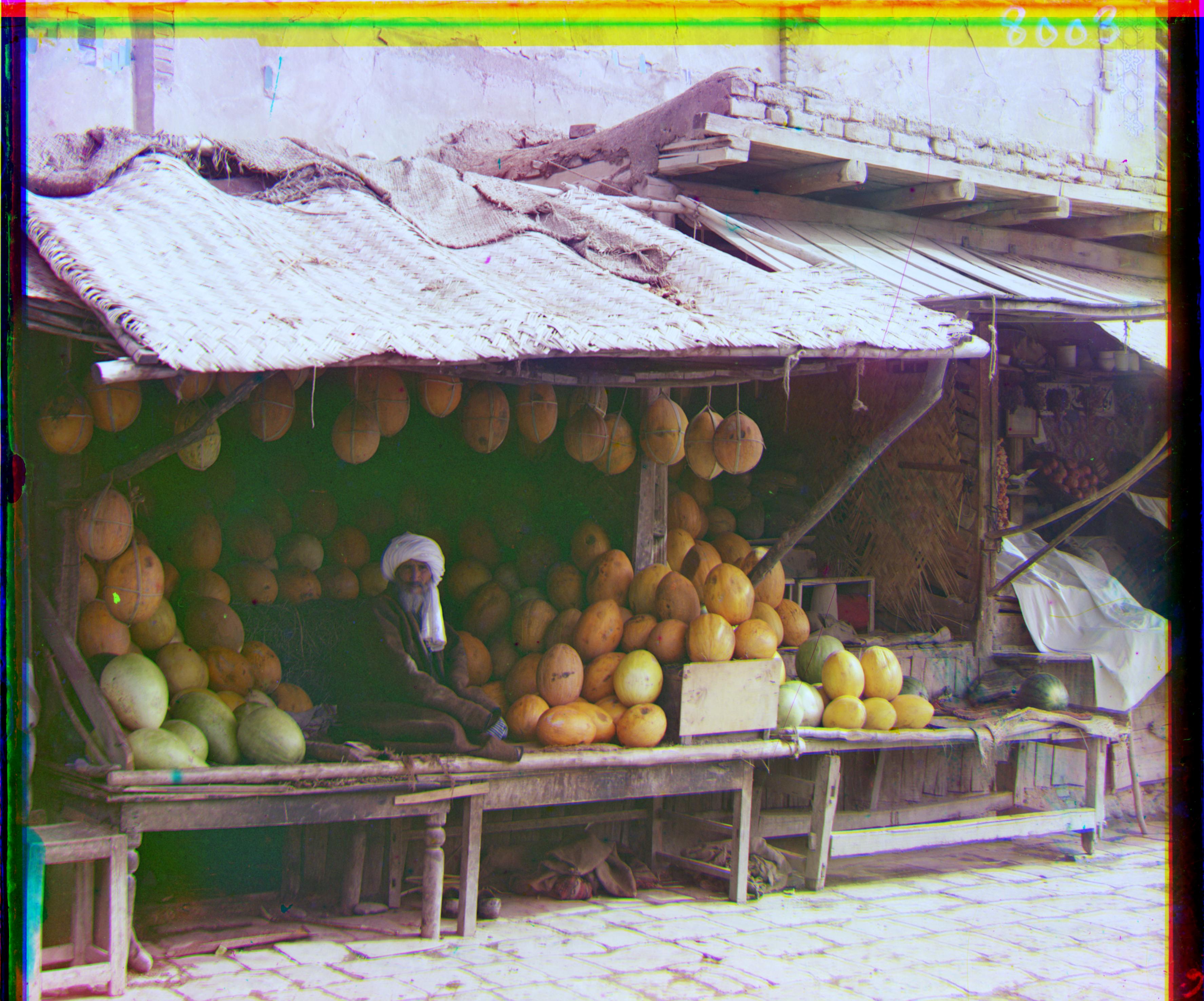
Red offset: (+13, +177)

Red offset: (+37, +175)
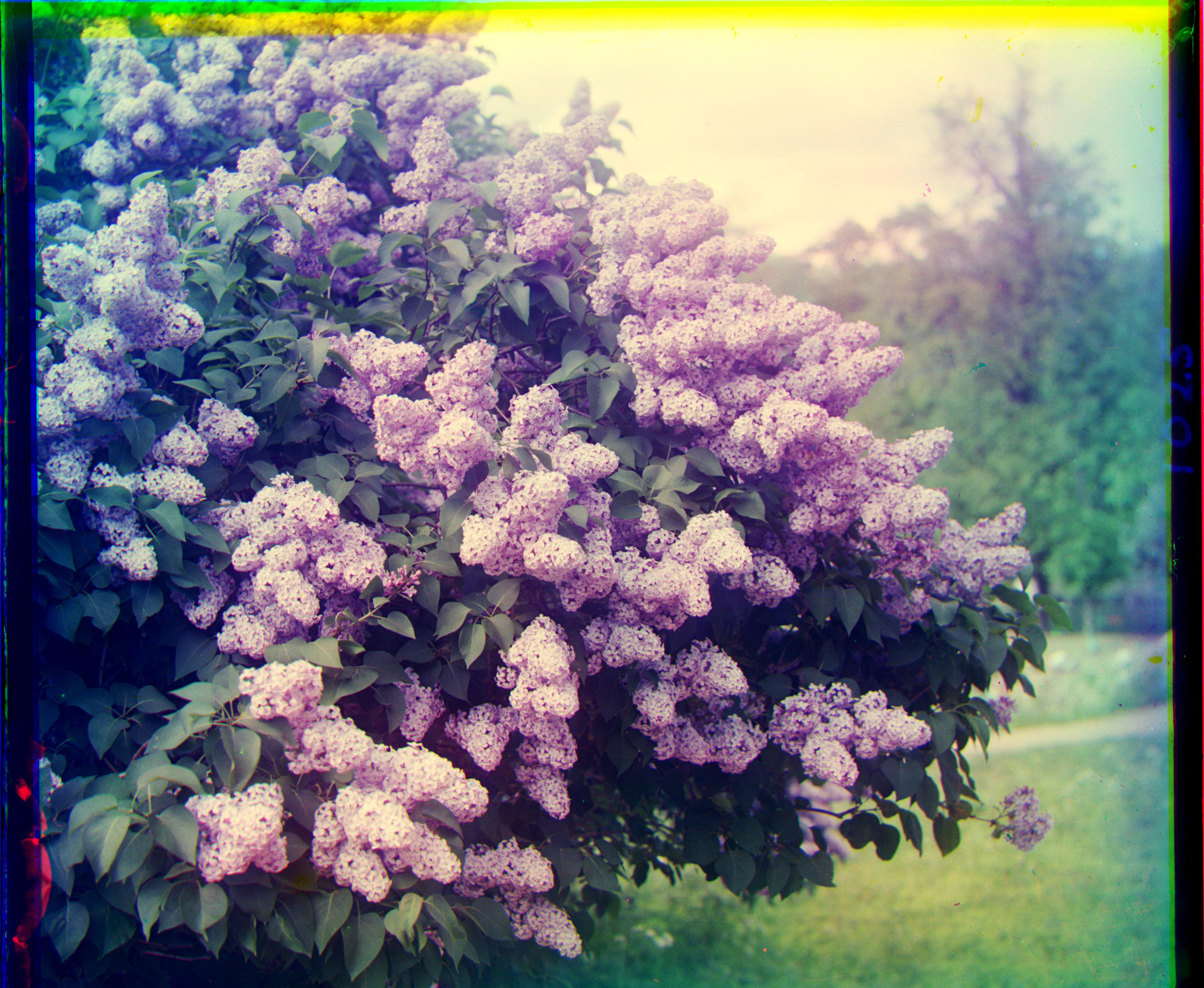
Red offset: (-23, +96)
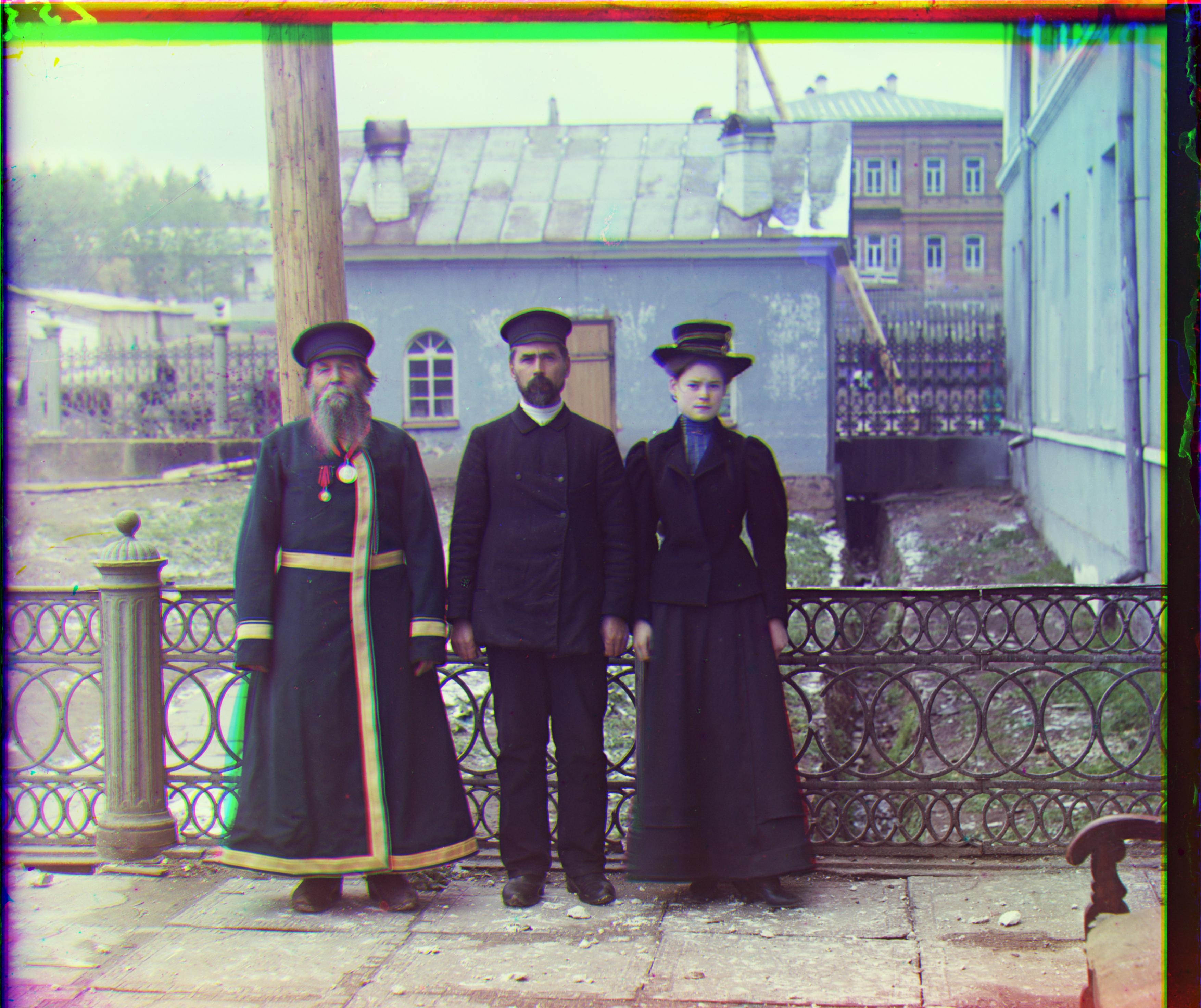
Red offset: (+12, +115)
Bells & Whistles: Image Enhancement
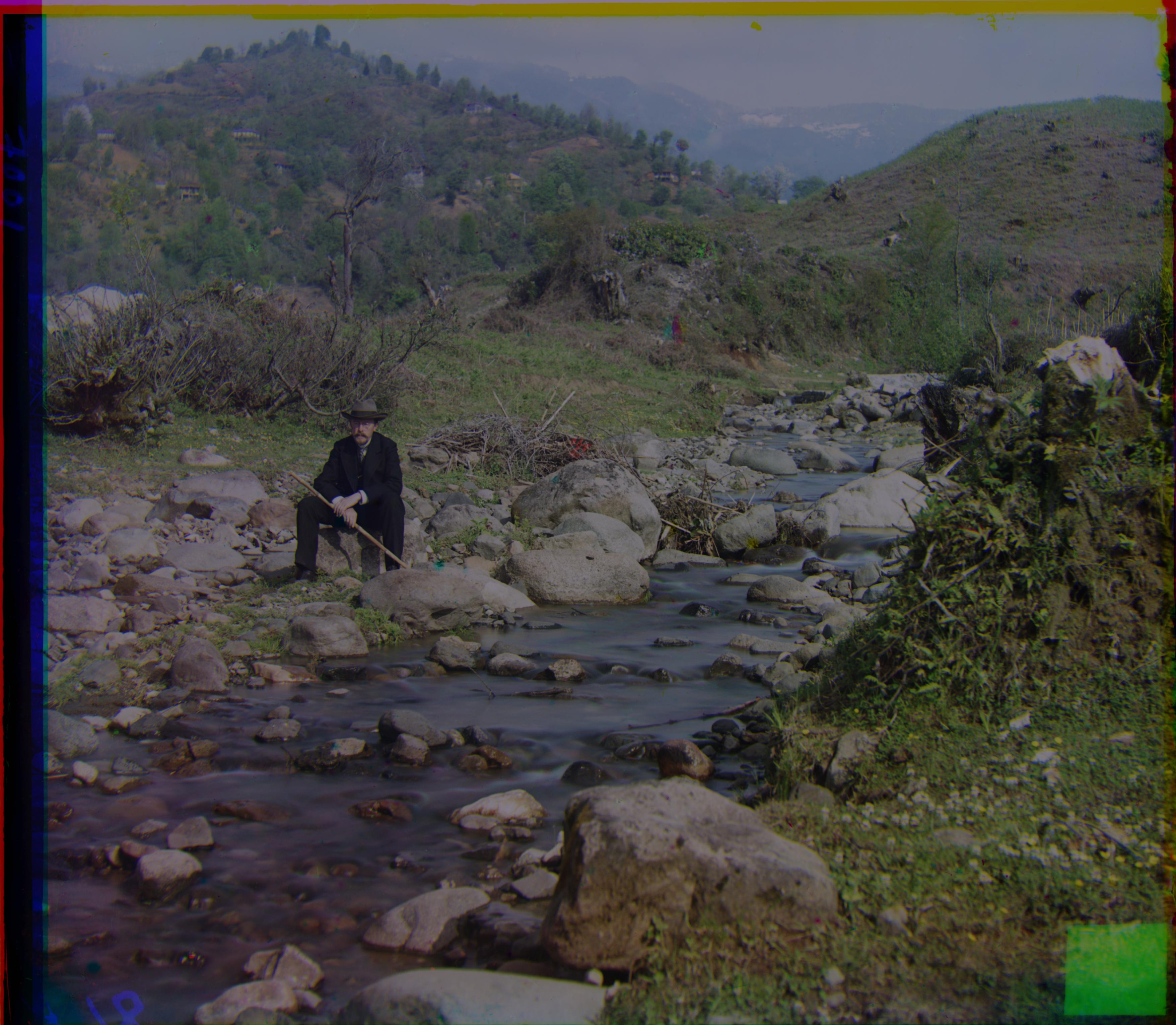
1. Automatic Contrasting
I remap pixel intensities so the darkest pixel becomes 0 and the brightest becomes 255. This enhances dynamic range and improves visibility, especially in underexposed or flat-looking images. The before-and-after comparison shows a dramatic difference.
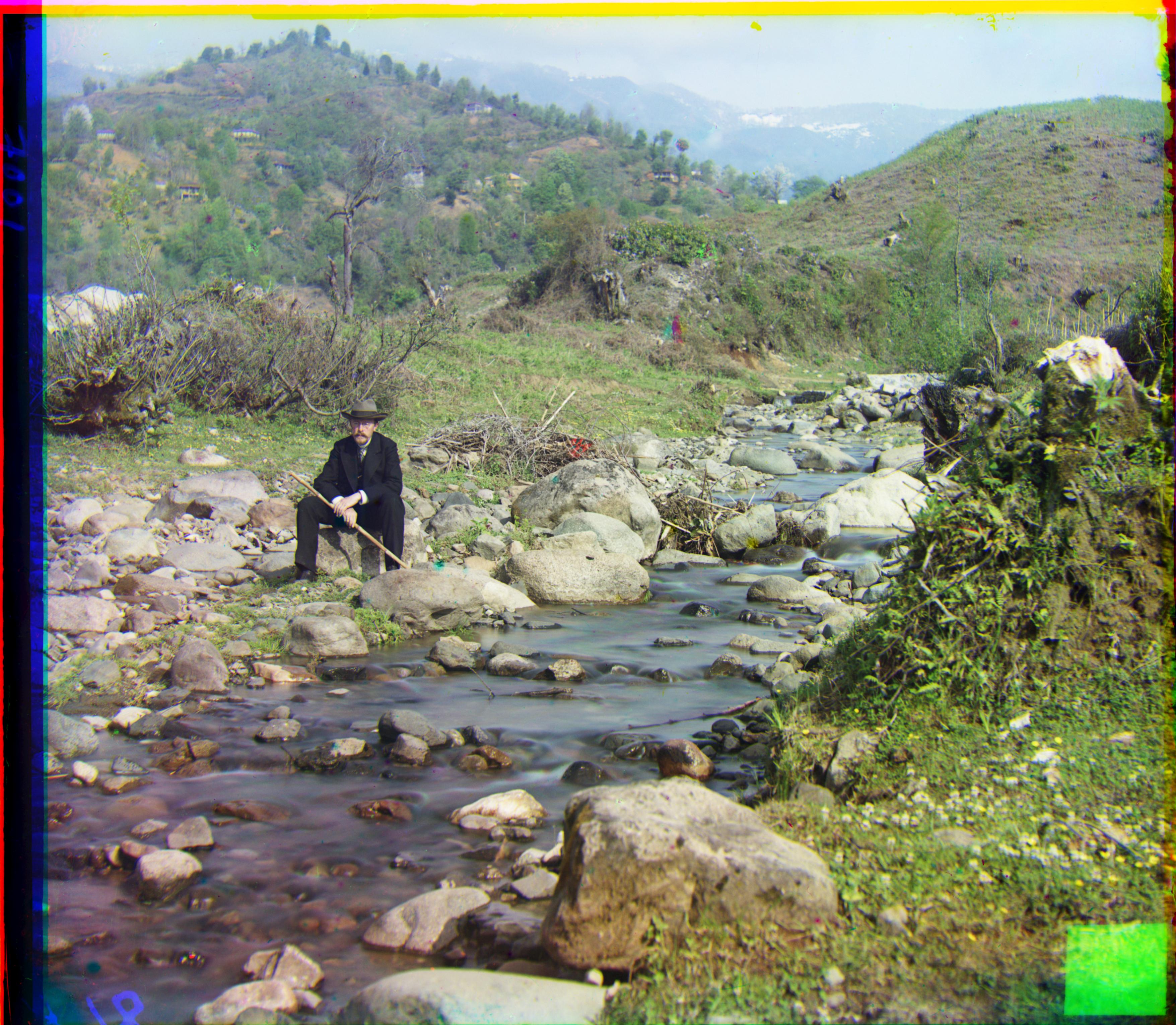
2. Automatic White Balance
I apply the gray-world assumption: the average of all color channels should be neutral gray. Each channel is scaled so its mean matches the global mean, removing strong color casts (overly blue or yellow images). This produces more realistic colors by shifting the overall tone toward a neutral state.
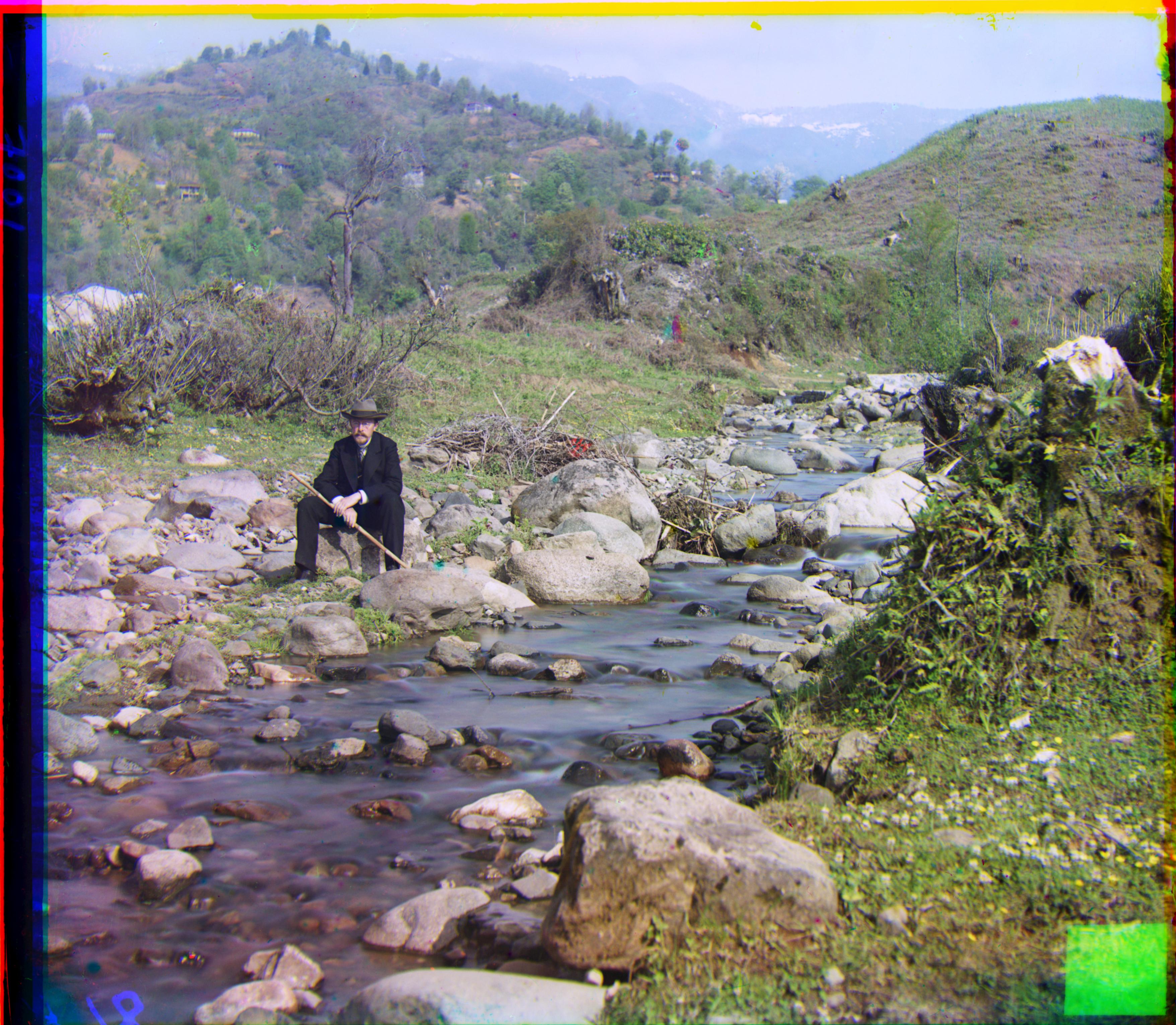
3. Better Color Mapping
To normalize colors more effectively, I adjust each channel so the average intensity maps closer to neutral gray. This reduces bias from one dominant channel and produces more natural-looking results. Before color mapping, images often appear as if they have a vintage filter applied. The color mapping successfully removes this filter, making pictures more realistic.
4. Automatic Cropping
Many glass plates have thick borders, numbers, or stains. I detect rows/columns with low variance or low mean intensity, compute bounding boxes for each channel, and take their intersection (IoU). This significantly reduces visible borders. However, as noted in the Failure section, border detection is not yet perfect due to inherent noise and artifacts on the plates.
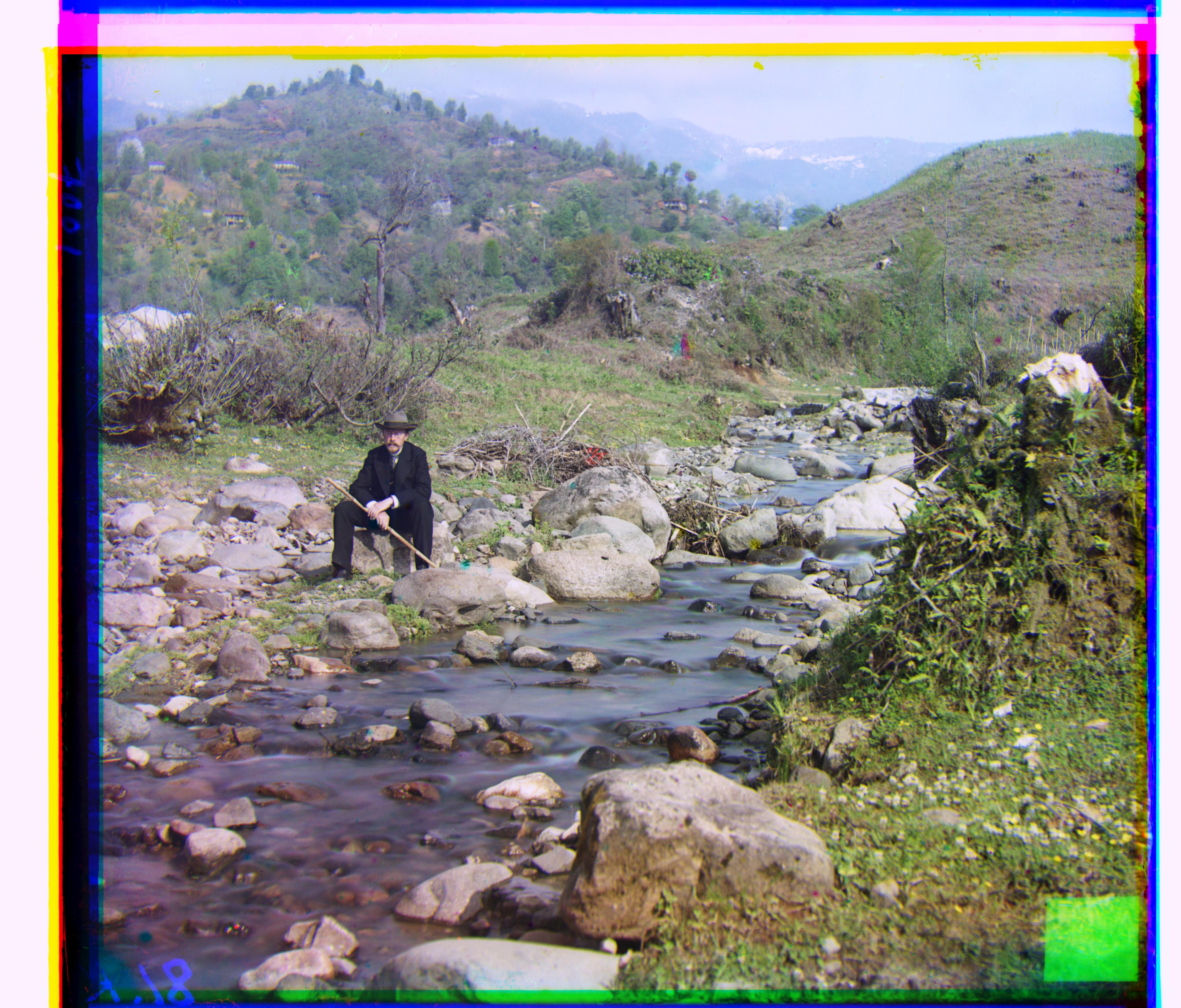
5. Better Features — Canny Edge Detection
Instead of using raw pixel values with NCC, I align based on Canny edge maps. Edges are less sensitive to brightness differences and highlight structural details, making alignment more robust when intensity differs between channels. For many images, both NCC and Canny approaches yield identical results, confirming the robustness of the method.
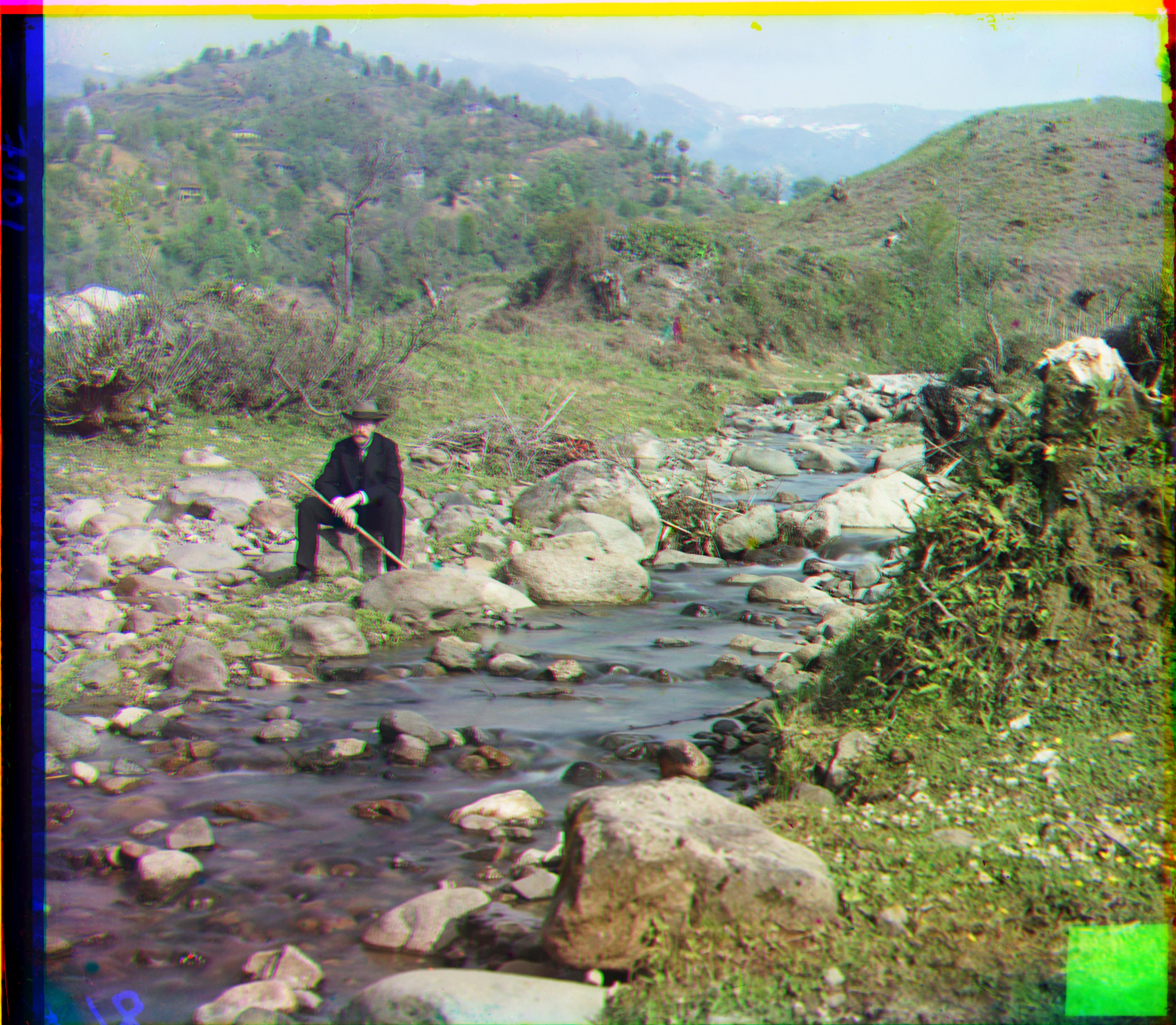
Problems & Failures
The biggest challenge I encountered is automatic border detection. I tried multiple approaches: detecting borders based on variance, intensity, gradient, and various combinations of these three metrics. However, no single method reliably detects borders across all images, primarily because plates contain various artifacts—numbers printed on borders, stains, dust marks, and uneven illumination.
Border Detection Strategy
My final approach combines all three methods (variance, intensity, and gradient) to detect borders independently on each R, G, and B channel. The final result uses the intersection (IoU) region across all three channels. While borders are still visible on some images, they are substantially smaller than without any border detection algorithm applied.